Nintendo Switch and Switch 2 Now Let Family Members Gift Digital Games
Nintendo has enabled digital game gifting through the eShop for Switch and Switch 2, allowing users to send eligible games, downloadable content and upgrade packs to members of their Nintendo Account family group. The feature comes with account, product and purchase limits.
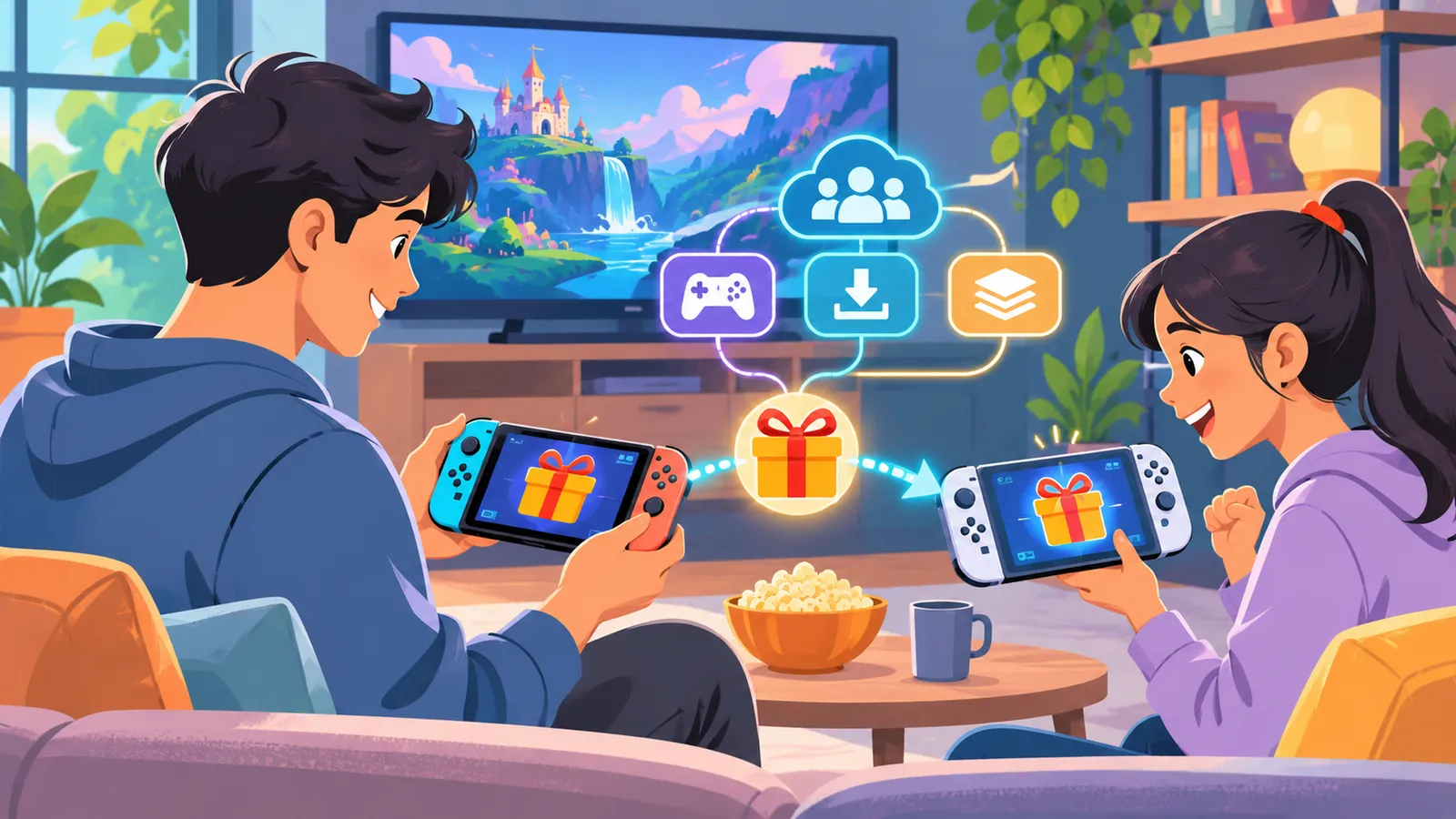
Nintendo has introduced digital game gifting through the Nintendo eShop on Nintendo Switch and Nintendo Switch 2, allowing members of a Nintendo Account family group to buy eligible digital products for one another. The feature became available on November 17, 2026, adding a direct gifting option for games, downloadable content (DLC) and upgrade packs on both console generations.
The change gives players a way to send a digital purchase without buying a physical game card. Nintendo says gifts are delivered immediately to the recipient’s console interface, where they can be accepted and played. The feature is designed for members of the same Nintendo Account family group rather than unrestricted gifting to anyone on a friends list.
How Nintendo eShop gifting works
To send a gift, a user opens the Nintendo eShop on a Switch or Switch 2, selects an eligible digital product and chooses the “Give as a Gift” option on its product page. The buyer then selects a recipient from the members of their Nintendo Account family group, chooses which of that person’s linked systems should receive the gift if multiple consoles are available, and completes the purchase.
After checkout, the gift is delivered to the recipient’s HOME Menu. The recipient can open the gift, accept it and access the digital content. Nintendo says gifts are sent immediately, so buyers should make sure they have selected the correct recipient and product before confirming payment.
Who can send and receive digital gifts
The feature is available to Nintendo Account family groups, which can contain up to eight accounts. A sender must select a recipient who is already part of the same family group. Nintendo’s support guidance also notes that the sender and recipient must have compatible account-country settings for a gift to be sent.
Supervised accounts cannot send digital gifts. Nintendo also limits the number of gift purchases that can be made within a given period, although its public announcement does not specify the exact allowance. These restrictions mean that the feature is not a general-purpose way to transfer purchases between unrelated Nintendo accounts.
Not every digital product can be gifted
Nintendo says some products are not eligible for gifting. Its support information identifies restrictions that can include pre-orders, content that the recipient already owns, certain discounted products and content that is not compatible with the recipient’s console or account settings. Age-rating restrictions can also prevent some products from being sent to a recipient.
Games, DLC and upgrade packs are included in the feature where eligible. The availability of the gifting option is shown on the individual product page, so buyers should check for the “Give as a Gift” selection rather than assume that every item in the eShop can be purchased for another account.
System update required
The gifting feature requires Nintendo Switch or Switch 2 system software version 23.5.0 or later. Nintendo released the update ahead of the eShop feature’s activation in November. Users who do not see the gifting option should check their console’s system version and install the available update, then confirm that the eShop has received the relevant feature update.
Nintendo’s official support guide explains that a recipient needs to have accessed the eShop on a linked console to receive a gift. The support page also describes how gifts appear on the HOME Menu and how recipients can open them. Buyers should consult the current support instructions if a gift does not appear as expected.
What the change means for Switch families
The addition makes digital purchases more flexible for households that use Nintendo Account family groups. Parents and other family members can buy eligible content directly for another account, while the recipient receives a ready-to-accept gift on their console. It also offers a digital alternative to purchasing a physical game card for birthdays, holidays and other occasions.
There are still boundaries around the feature. It does not allow users to gift every product, send purchases to arbitrary Nintendo accounts or bypass age and account restrictions. The recipient’s region, linked console and ownership of the selected game can all affect whether a purchase can be sent.
What players should check before buying
Before completing a gift purchase, Nintendo users should confirm that both accounts are in the same family group, that the recipient’s console is eligible, and that the product page displays the gifting option. They should also verify the recipient’s account-country setting and whether the recipient already owns the content.
Nintendo’s support documentation provides the current list of restrictions and troubleshooting guidance. The feature is now live on supported Switch and Switch 2 systems, but its practical availability depends on the product, account configuration and regional eShop rules. For family groups that meet those conditions, digital gifting adds a new way to share eligible games and add-on content directly through Nintendo’s store.
Sources
Related stories
Xbox Game Pass Adds a Fresh Mix of Games Across Late November and December
Microsoft has announced its second November Game Pass wave, with titles arriving between November 17 and December 1 across cloud, console, handheld and PC. The update includes new Premium access for several games, day-one additions and a list of eight titles leaving the service on November 30.
GTA VI Goes Live in India on PS5 and Xbox After 13-Year Wait
Rockstar Games' Grand Theft Auto VI became available in India on November 19 for PlayStation 5 and Xbox Series X|S. Indian store listings put the Standard Edition at ₹5,999 and the Ultimate Edition at ₹7,499, while a PC release remains unannounced.
Galactic Center opens as Marvel Rivals starts its anniversary rewards window
Marvel Rivals has started its Rivals' Day anniversary event, offering up to 1,900 Units through check-ins at a new Galactic Center social space and adding cosmetics and esports viewing rewards.
IndiGo Launches Daily Nonstop Mumbai–Dar es Salaam Flights
IndiGo has begun daily nonstop flights between Mumbai and Dar es Salaam on November 20, adding a direct Indian-carrier connection to Tanzania. The route is expected to support tourism, trade and educational exchanges while strengthening the airline’s network in East Africa.