
Passkeys explained: how password-free sign-ins protect everyday accounts
Passkeys replace typed passwords with cryptographic credentials unlocked on a trusted device. Here is how the technology works, why it resists phishing and what users should check before switching.
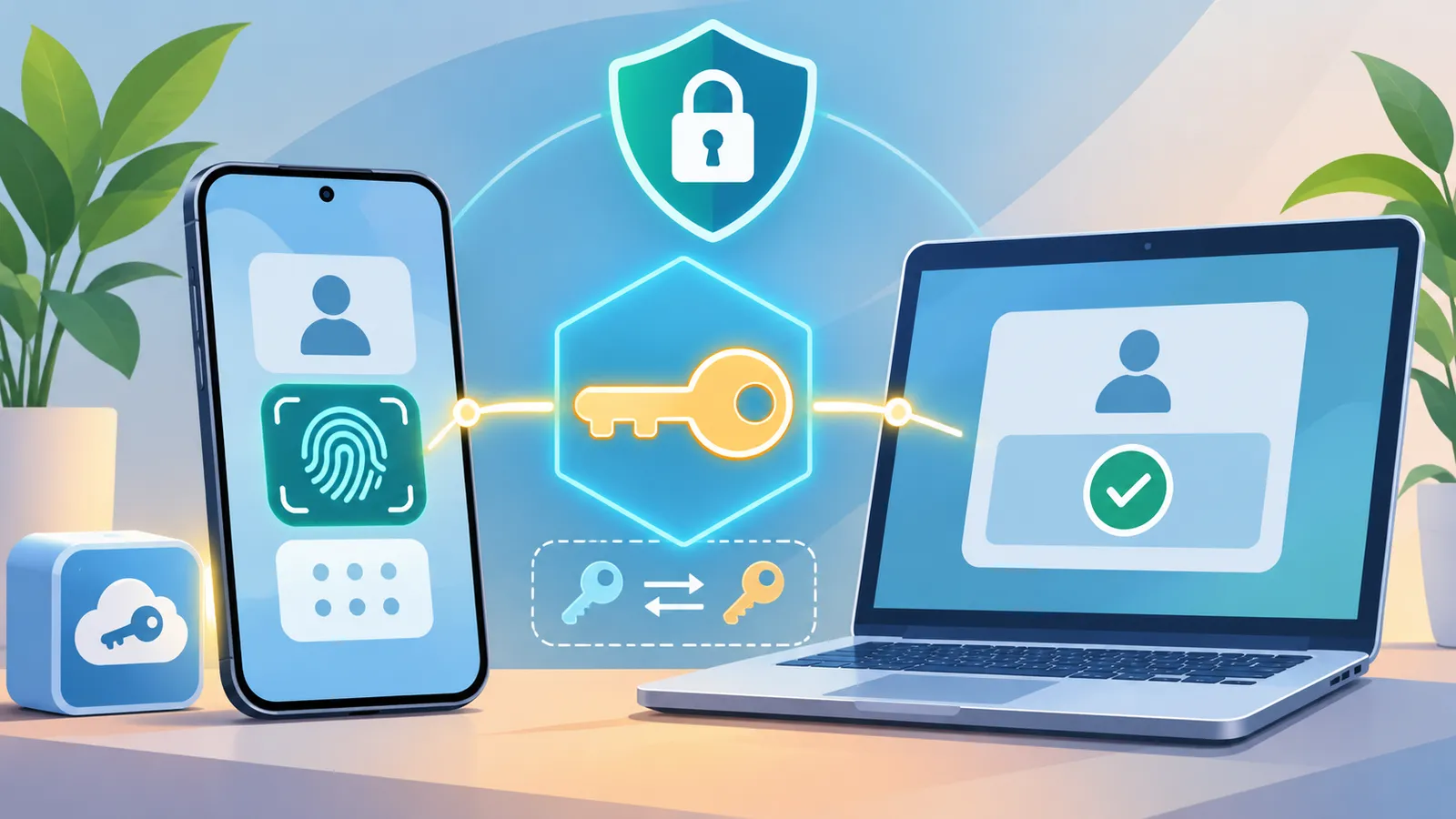
Signing in to an online account has long meant remembering a password, creating a stronger version when asked and sometimes entering a one-time code. Passkeys offer a different approach. Instead of asking people to prove their identity by typing a shared secret, they use a cryptographic credential held by a phone, computer or security key.
What a passkey actually is
A passkey is a digital credential linked to a particular account on a website or app. It is based on public-key cryptography: the user's device keeps a private key, while the service stores the corresponding public key. The private key is not sent to the website during sign-in. This is different from a conventional password system, where a password or a derived password verifier is involved in authenticating access.
When a person creates a passkey, the device asks them to confirm the action using its normal security method. That may be a fingerprint, face recognition, device PIN or another local unlock method. During a later sign-in, the service sends a challenge and the device uses the private key to produce a response. The service checks that response with the public key registered to the account.
Why passkeys can make phishing harder
A major security advantage is that passkeys are tied to the website or app for which they were created. The browser and authentication system check the service's identity as part of the process. A fake website cannot simply ask a user to type the passkey into a lookalike form, as it might with a password or one-time code. The private key also stays with the user's device or passkey provider rather than being shared with the service.
The FIDO Alliance describes passkeys as phishing-resistant credentials built on its FIDO authentication standards. Microsoft also explains that passkeys use FIDO-based technology and can let people sign in with the same device security method they already use. These protections reduce important risks, but they do not make every part of an account invulnerable. Recovery processes, device security and the security of the account used to sync credentials still matter.
Where passkeys are stored
Depending on the setup, a passkey may be stored on one device, on a hardware security key or in a credential manager that securely syncs it across a person's devices. Synced passkeys can make it easier to move to a new phone or computer, while device-bound credentials keep the key tied to a particular piece of hardware. The right option depends on convenience, the sensitivity of the account and the recovery choices available.
What users should check before switching
People considering passkeys should first confirm that the service supports them and review which provider will store the credential. They should keep their phone, computer and passkey-provider account protected with strong device security. It is also sensible to review account recovery options and keep an alternative recovery method available where the service recommends one. A hardware security key may be useful for accounts that need stronger protection or for people who want a credential that is not synced.
Passkeys do not remove the need for good security habits. Users should still install software updates, protect their email account and be cautious of unexpected account-recovery messages. They should also understand how to regain access if a device is lost. Security also has limits beyond sign-ins: Microsoft chief Satya Nadella has said old systems can't always be patched. The shift is best understood as replacing a vulnerable sign-in secret with a device-backed cryptographic process, not as a reason to stop checking account security.
The bigger change in signing in
For everyday users, the visible change may be simple: choose an account, confirm with a fingerprint, face scan or PIN, and continue. Behind that short interaction is a different way for websites and devices to establish trust. As more services support the standard, passkeys can reduce password reuse and make common phishing tactics less effective while keeping sign-in familiar.
Sources
Written with automated tools from the sources above and published without editor review. Spotted an error? Tell us · Corrections Policy
Related stories

Google Brings Gemini Computer Use to Mac, Letting Its AI Handle Multi-Step Desktop Tasks
Google has added computer-use capabilities to its Gemini app for Mac, allowing the assistant to navigate selected desktop apps, local files and websites in a separate window. The English-language rollout is initially limited to the United States.

A leaner 5G connection moves closer to everyday sensors and wearables
Ericsson and Altair Semiconductor say they have completed the first eRedCap network connection, a step towards lower-cost, lower-power 5G devices for sensors, trackers and connected wearables.

Small Businesses Get an AI Campaign Assistant as InMobi Unveils Accelerate
InMobi has introduced a self-serve advertising platform that uses seven specialised AI agents to help small businesses and agencies plan, build and optimise campaigns across major ad networks from one dashboard. Advertisers retain approval control over campaign plans, creatives and budgets.
India Brings 65 Cultural Portals Into One AI-Powered Search Platform
The Culture Ministry’s new conversational search tool aims to make archives, manuscripts and heritage records easier to explore in 22 Indian languages, with voice features and links to official sources.